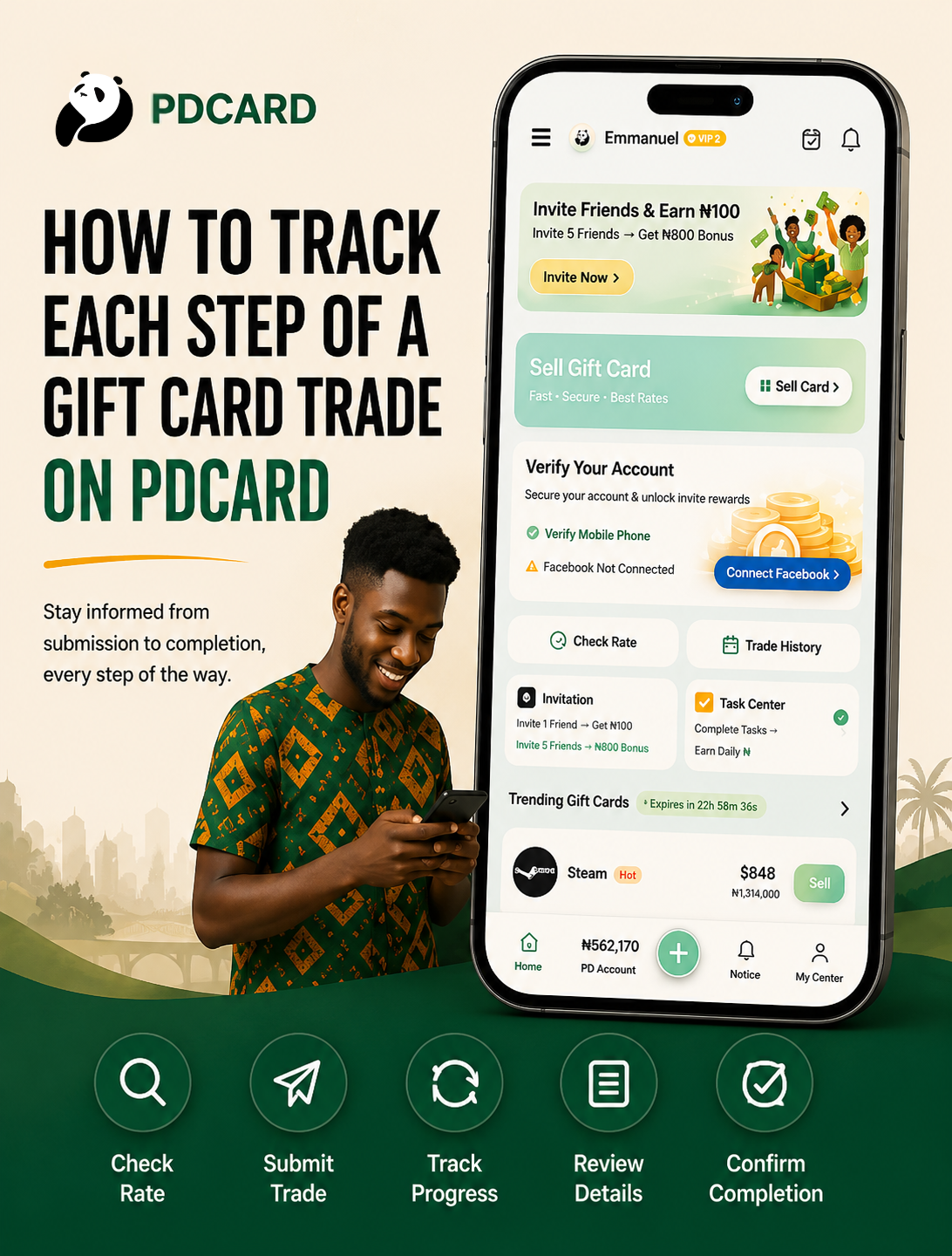
If you are new to PDCard, the app can look like a simple place to sell a gift card. In reality, it covers much more than one transaction. From checking a card and following its status to withdrawing funds, earning rewards and getting support, each feature is part of the same trading flow.
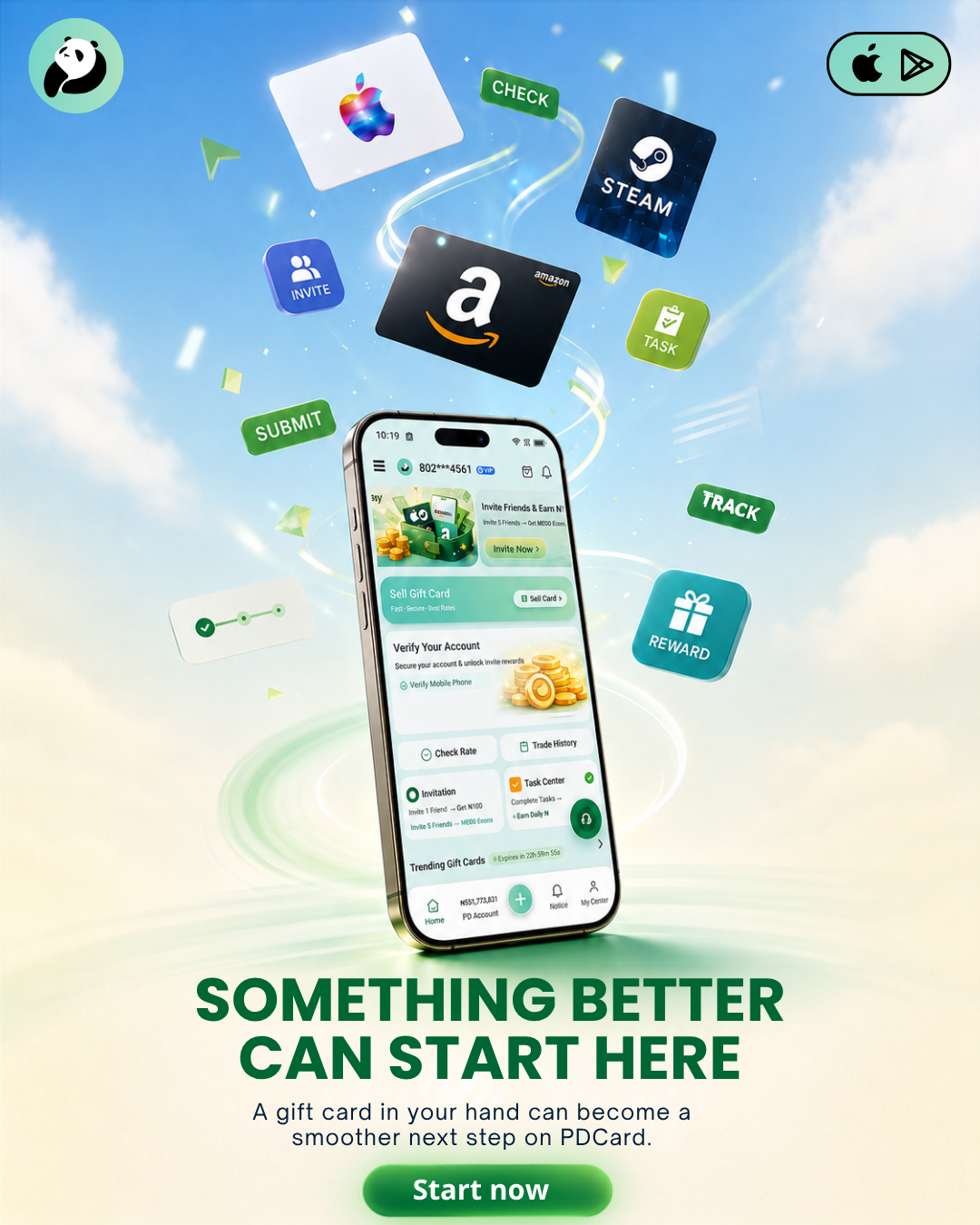
This guide brings the full PDCard experience into one place. It explains what the app does, how gift card trading works in Nigeria, what to check before submitting a card, how rates and payouts work, how to use rewards and VIP features, and what to do when something goes wrong. If you want the short background first, you can start with an overview of PDCard or the story behind PDCard.
What Is PDCard?
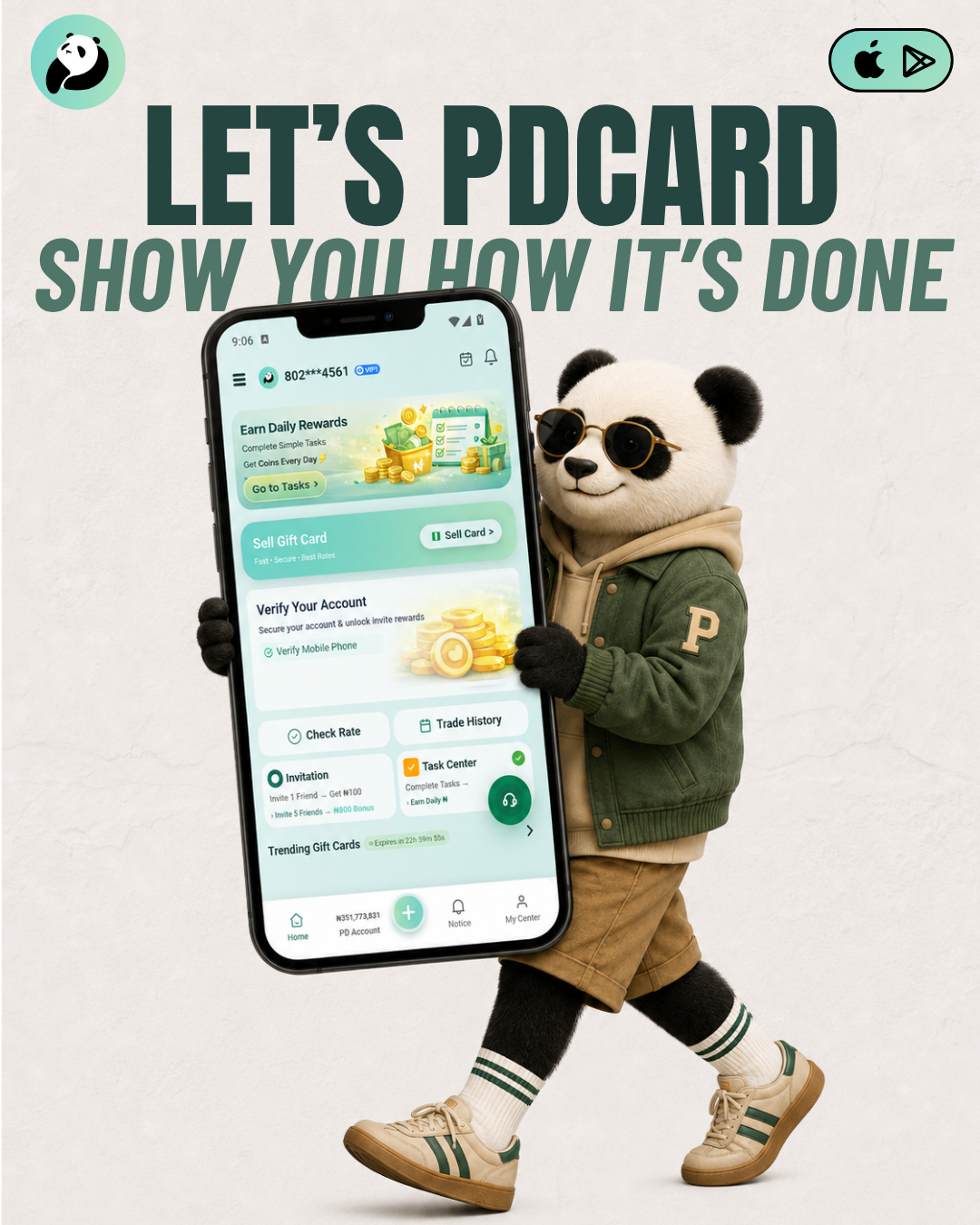
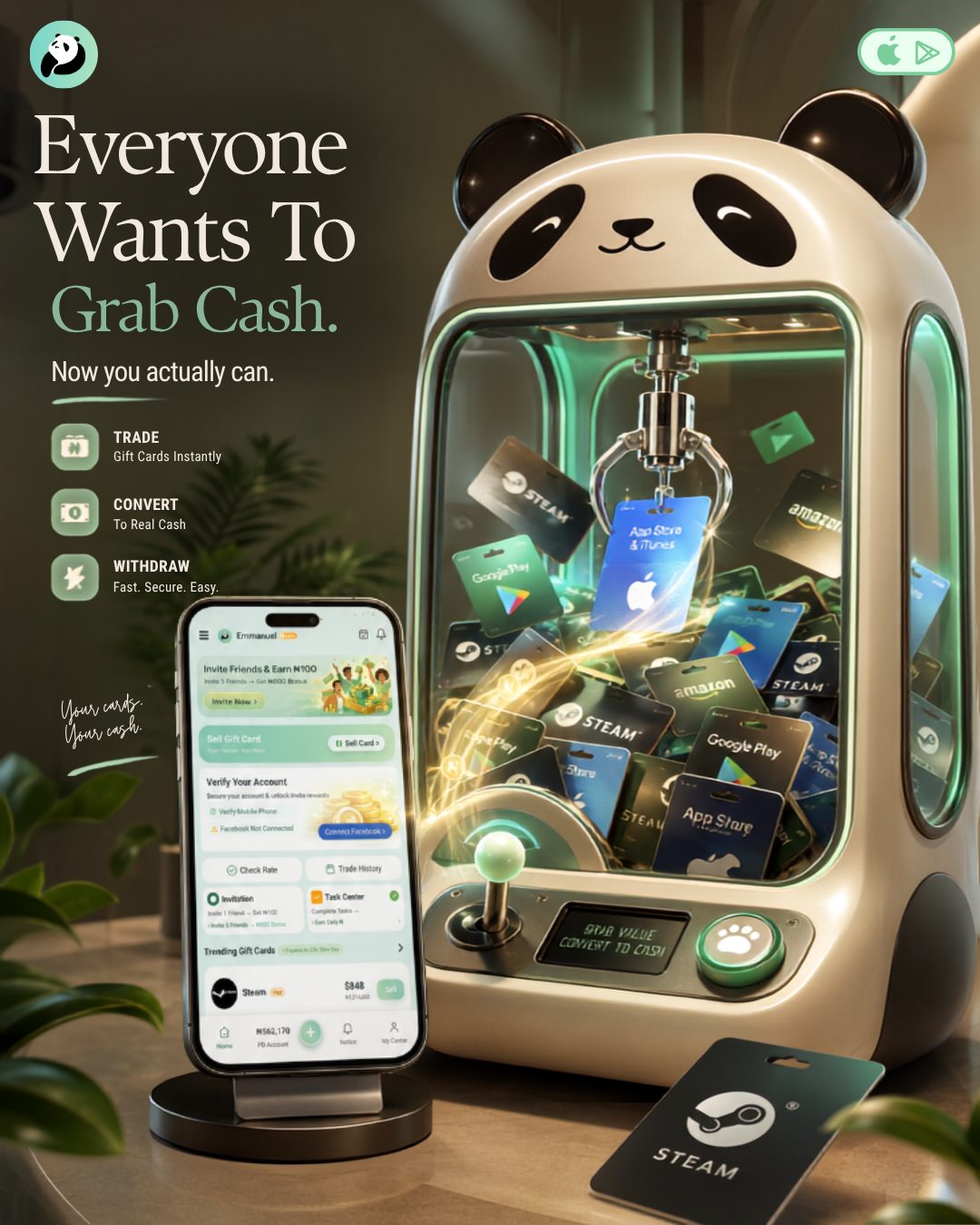
PDCard is a gift card trading app built for users who want to exchange supported gift cards for Naira through a structured transaction process. Instead of relying on chat messages or informal screenshots, users can create a trade, follow its progress, manage their balance and use account tools from one place.
Gift card trading is common in Nigeria because people may receive cards as gifts, rewards, gaming prizes, international payments or unused store credit and prefer to convert that value into money they can use locally. If you are completely new to the market, understanding what a gift card is, why people trade gift cards in Nigeria and how the gift card resale market works makes the rest of the app easier to understand.
PDCard is also not limited to one brand. Supported categories can include Apple, Steam, Amazon, Razer Gold, Google Play, Xbox, Roblox and other cards depending on current availability. That is why choosing a trading app should involve more than comparing one rate; the quality of the full trading process matters too.
Getting Started With PDCard
Create and Secure Your Account
The first step is to register a PDCard account with your phone number. Once the account is active, check your profile information, create a secure password and make sure the details you plan to use later for withdrawals are correct. You can also personalize your PDCard account and change your password whenever needed.

Learn the Dashboard
The PDCard dashboard is the control point for the main actions in the app. From here, users can move to rate checking, gift card trading, transaction history, balance, rewards, Task Center, VIP features and support. Because the interface can change over time, the refreshed PDCard dashboard should be treated as a better reference than old screenshots or outdated tutorials.
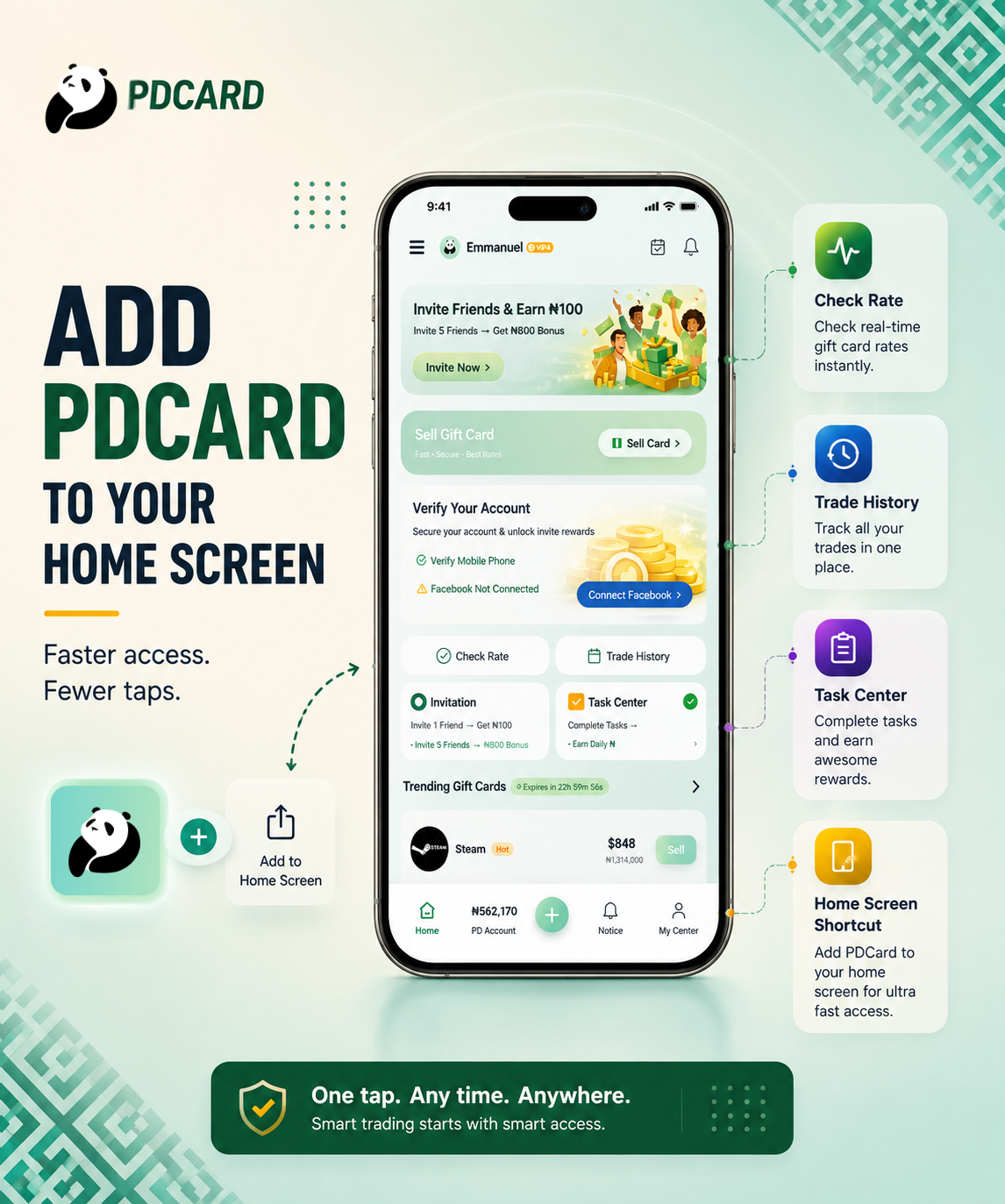
For quicker access, you can add PDCard to your home screen. It is also useful to follow the official PDCard announcement group so you do not miss platform updates, campaigns or operational notices.

How to Sell Gift Cards on PDCard
1. Identify the Card Before You Trade
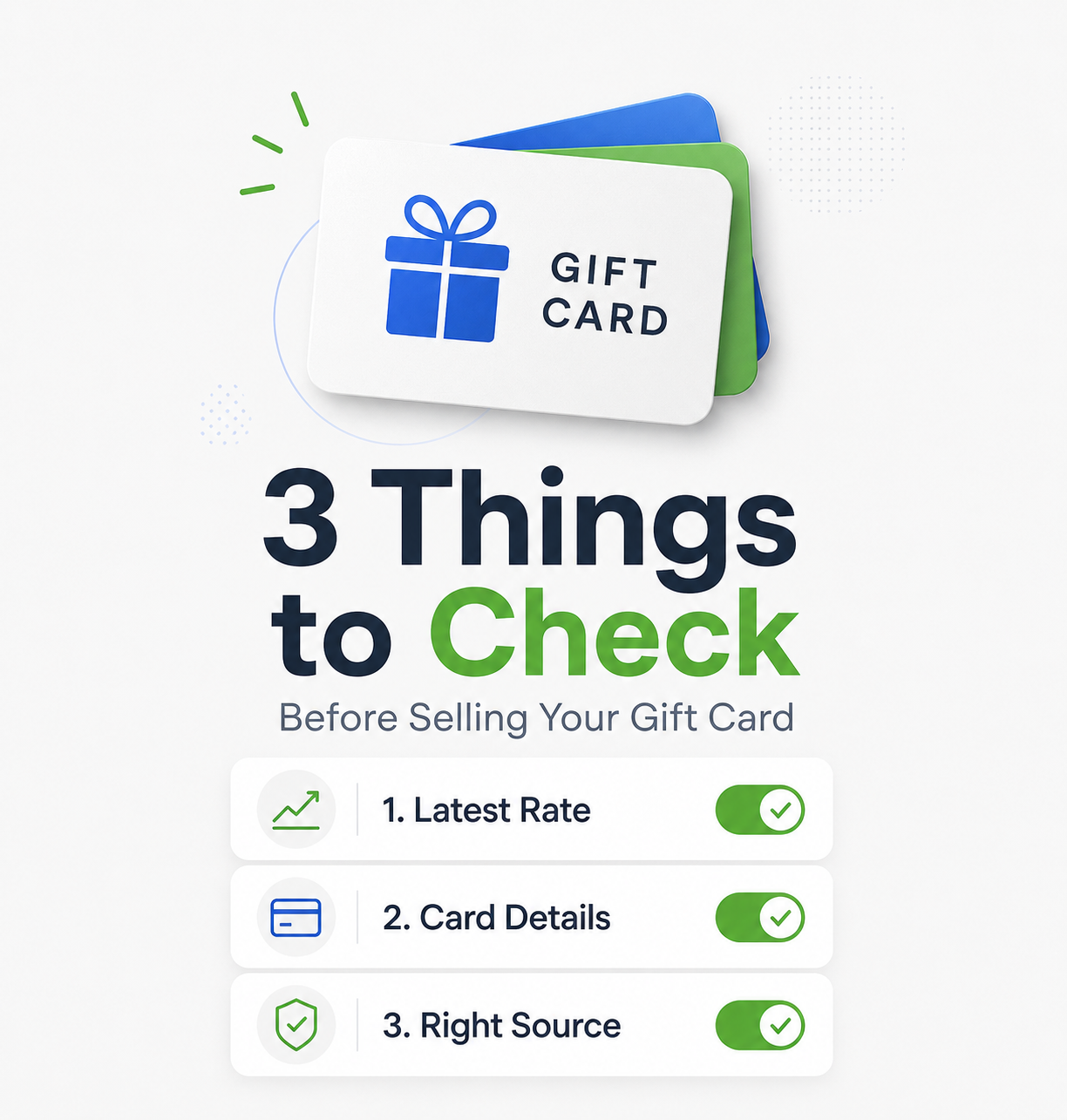
Do not start with the rate. Start with the card. Check the brand, country or region, physical or digital format, denomination, code format and any other details that separate one category from another. A quick pre-trade check can prevent many of the problems that happen later.
2. Check the Current Rate
After you know exactly what card you have, check the current rate for that exact category. Rates can change, and two cards with the same face value can still have different resale values. Never rely only on a screenshot from yesterday or a rate shown for a different card type.
3. Enter the Correct Details
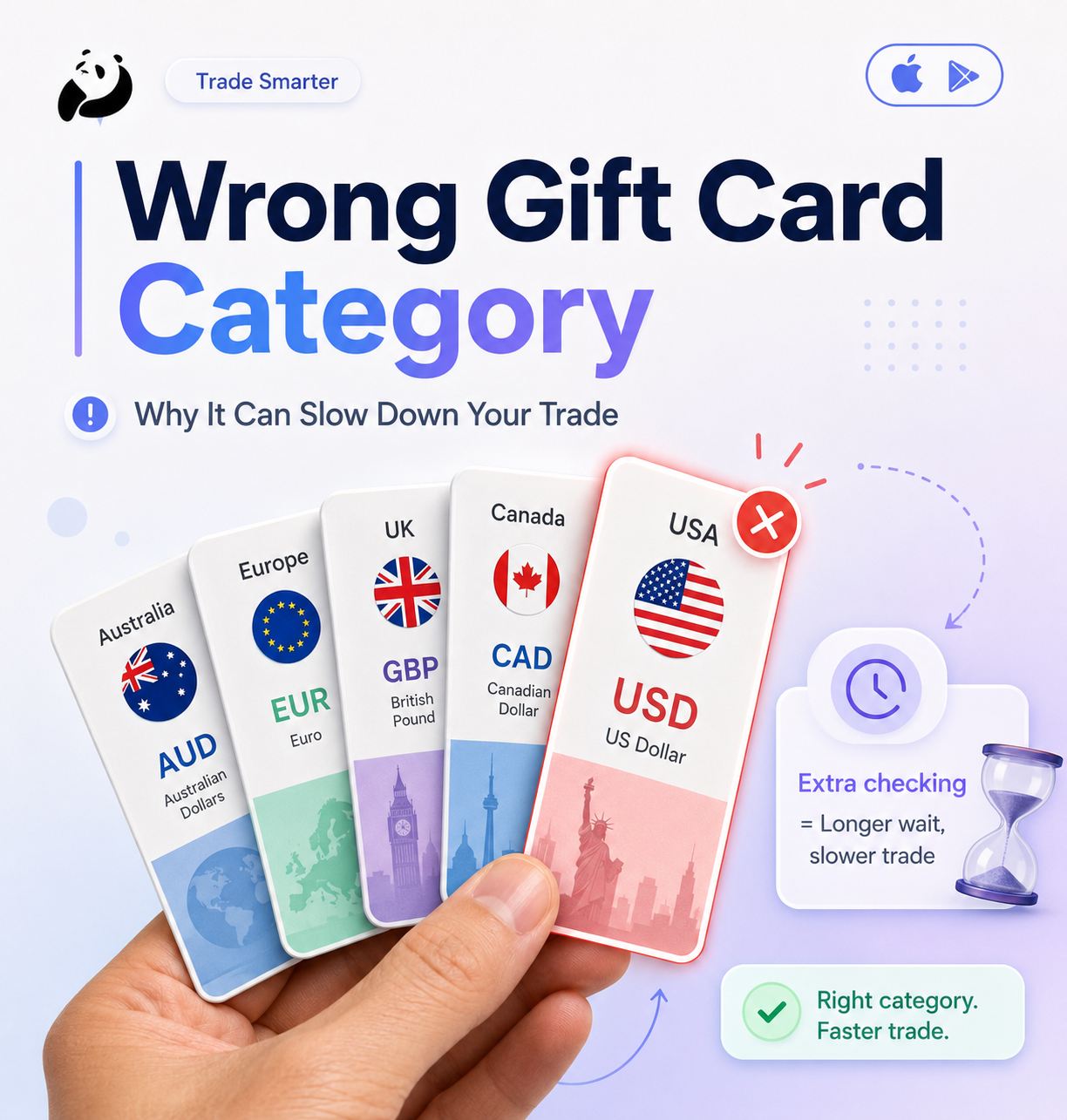
When creating the transaction, the amount, quantity, country, category and other requested information should match the card in front of you. Choosing the wrong gift card category can slow down the trade because the transaction no longer matches what the review team expects.
4. Upload Clear Card Information
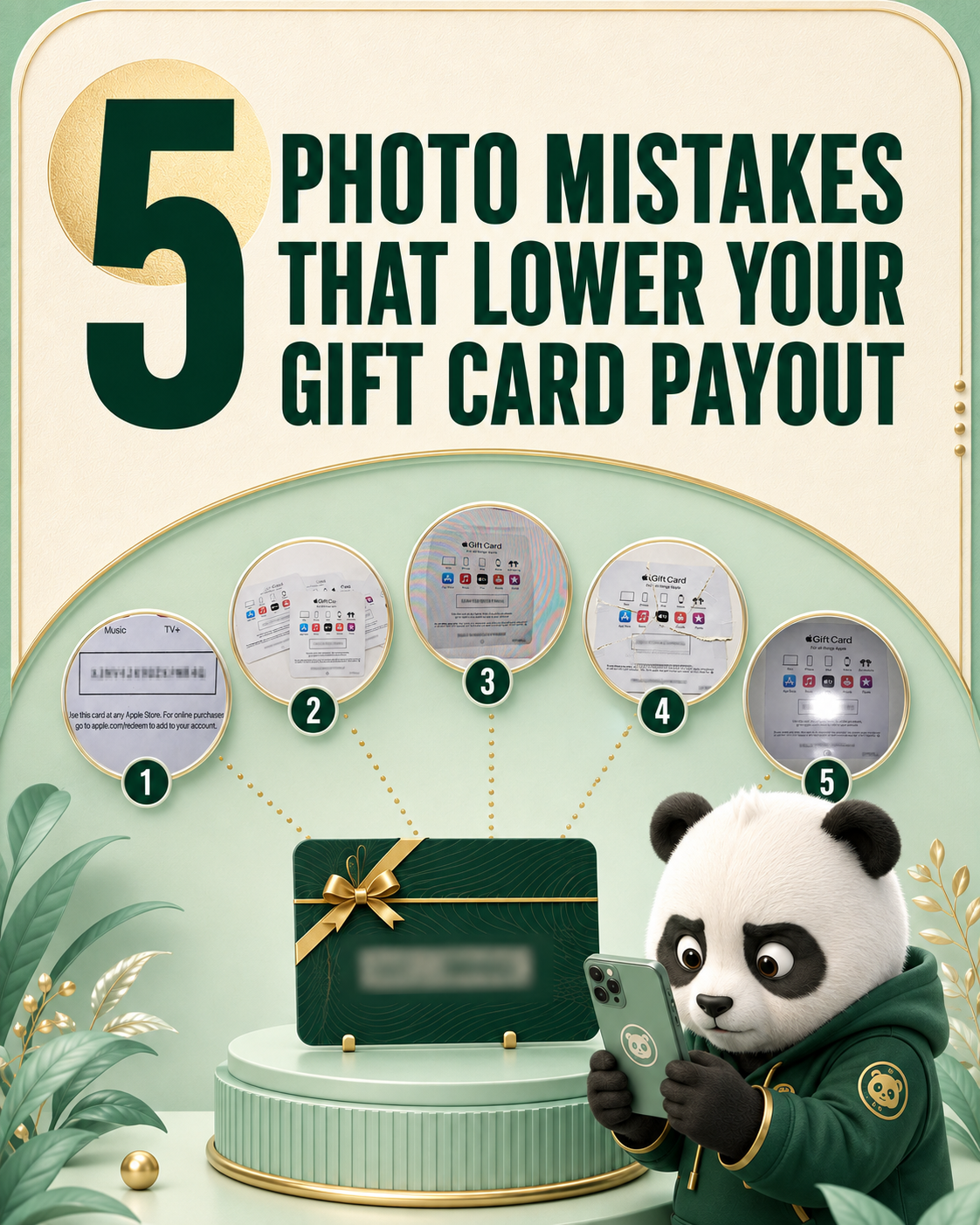
Depending on the card, PDCard may ask for a code, card image, receipt or additional proof. Images should be readable, show the required parts of the card and avoid heavy cropping or covered details. If your card photo is unclear, the review may take longer or the applicable payout can be affected.
5. Submit Once and Follow the Transaction
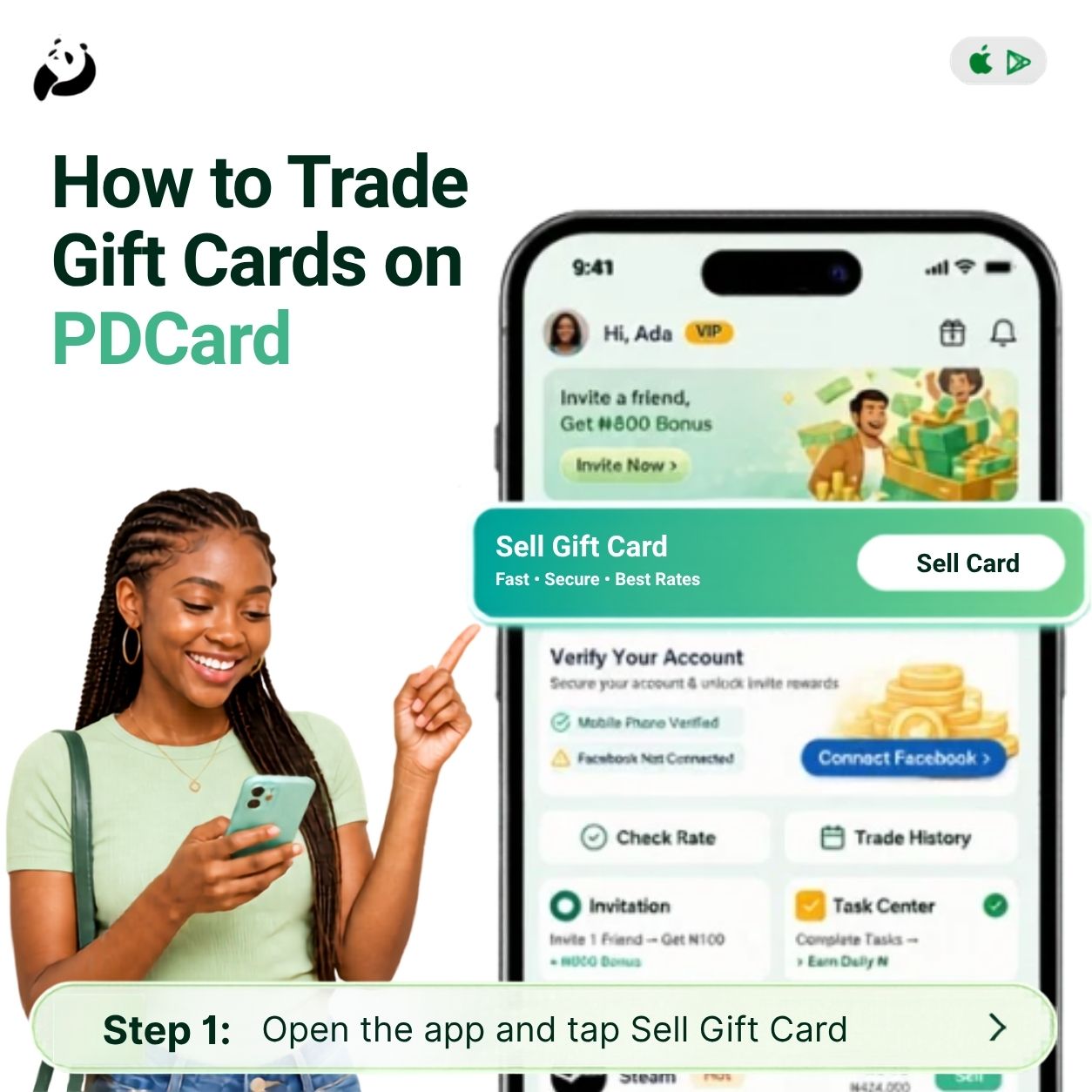
After reviewing the details, submit one accurate transaction and follow that transaction inside the app. Do not keep creating new submissions for the same card just because the first one is still being reviewed. The complete gift card trading flow on PDCard is easier when you treat one transaction as one traceable record from submission to result.
Can you build the trading path in the right order?
Pick the next step. A wrong choice does not lock the game — just try again.
Understanding Gift Card Types and Categories
The brand name alone is not enough to identify a gift card. Two cards that both say Apple or Razer Gold may still belong to different countries, regions, denominations or formats. Learning how to read a gift card correctly and identify the correct card before submitting is one of the most useful skills a trader can develop.

It is also important to understand fixed-value and variable-value gift cards. Some cards are sold in a specific denomination, while others can be loaded with an amount within a range. A card can even look like a normal gift card while belonging to a different product category, so visual details matter.
How Gift Card Rates and Final Payouts Work
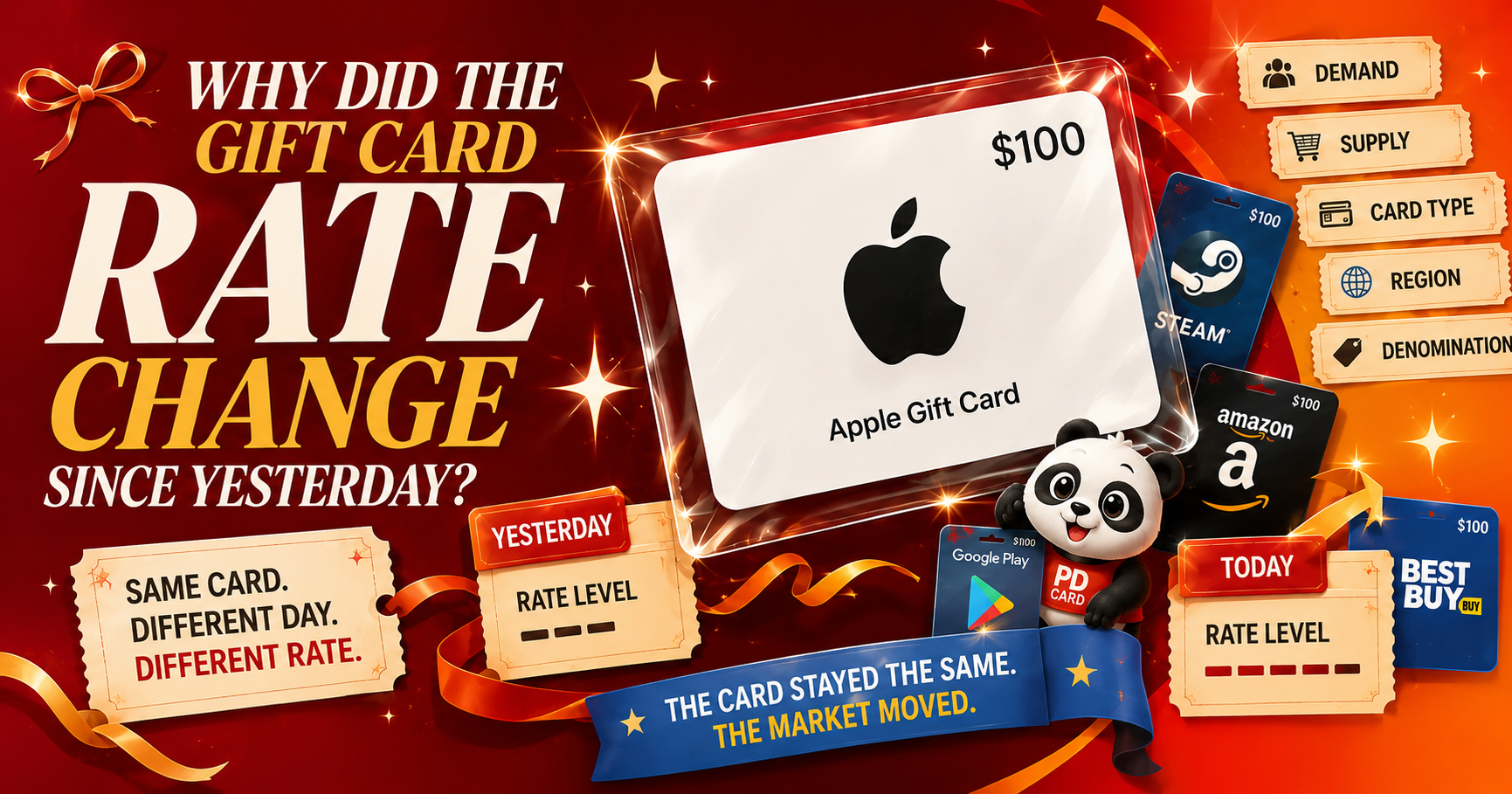
A gift card's face value is not the same as its resale value. A $100 card gives $100 of spending value inside the relevant store or service, but selling it for cash depends on the secondary market. Brand, country, region, card type, demand, supply and verification risk can all affect the Naira payout.

Rates can also move differently across brands. Apple may change differently from Steam or Razer Gold, and the same card can have a different rate today than it had yesterday. That is why the safest habit is to check the current gift card rate immediately before you submit.
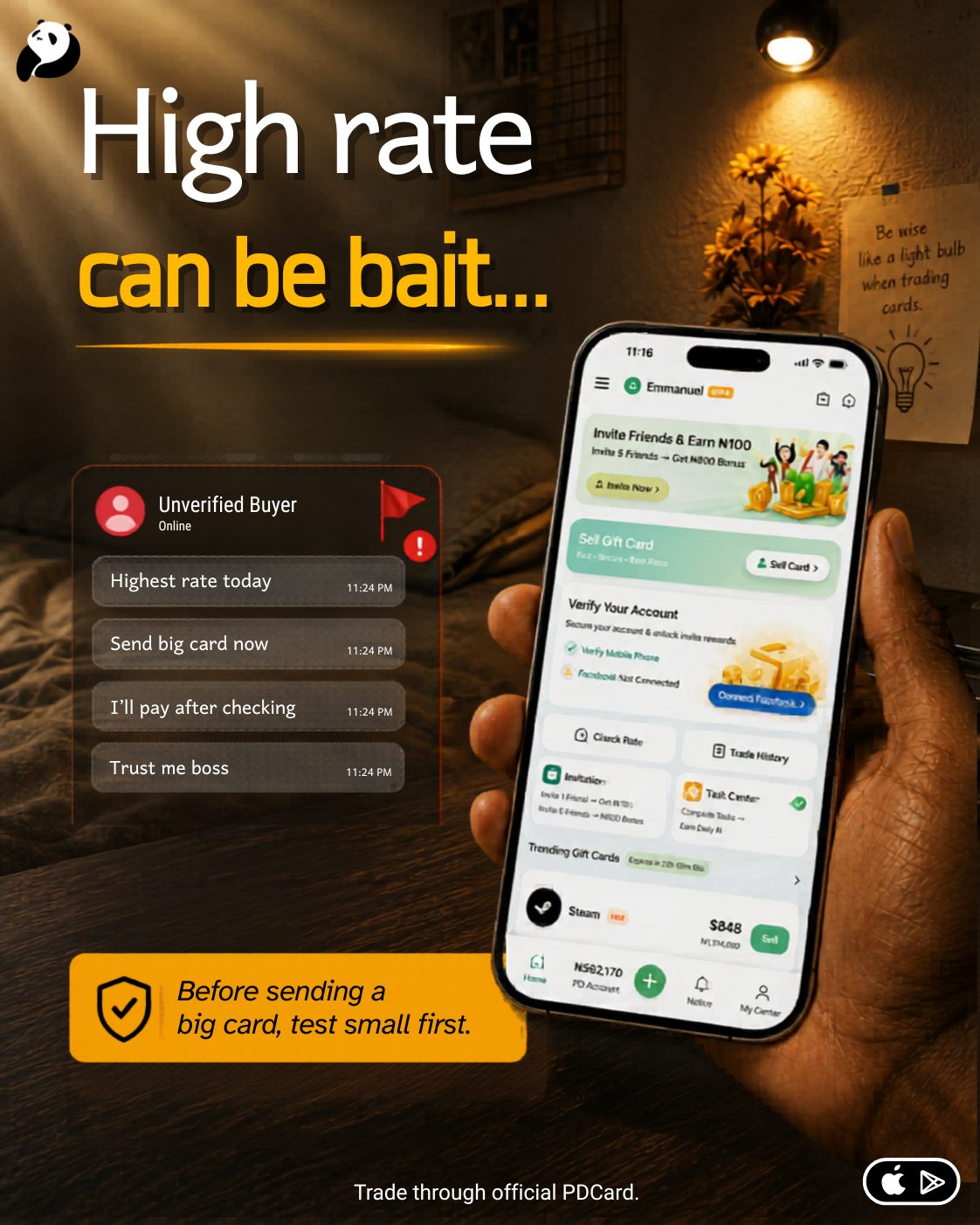
An unusually high rate should also make you verify the offer carefully. A number that looks far above the rest of the market is not automatically a better deal; extremely high gift card rates can be a red flag.
What Happens After You Submit a Gift Card?
Review and Verification
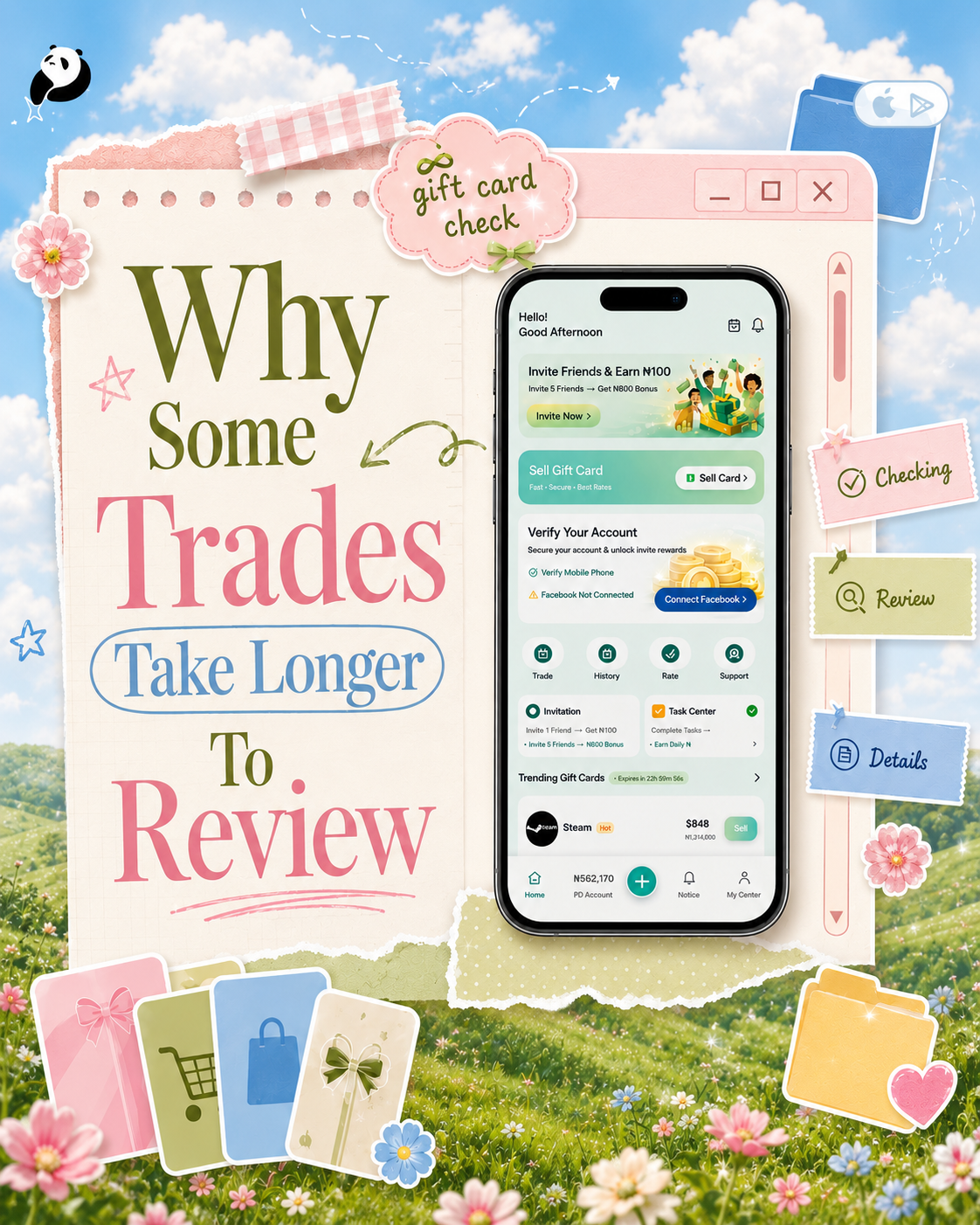
Submitting a card creates a transaction, but it does not mean verification and payout are already complete. Some gift card trades take longer to review because the card needs additional checks, clearer images, more information or vendor confirmation.
Track the Transaction Instead of Guessing
Use the transaction status and history inside PDCard to follow each step of the trade. If a transaction is not showing where you expect it, check your records before assuming it disappeared. Transaction history is also the first place to look before contacting support because it helps show whether the issue is with the trade, the balance or the next stage.
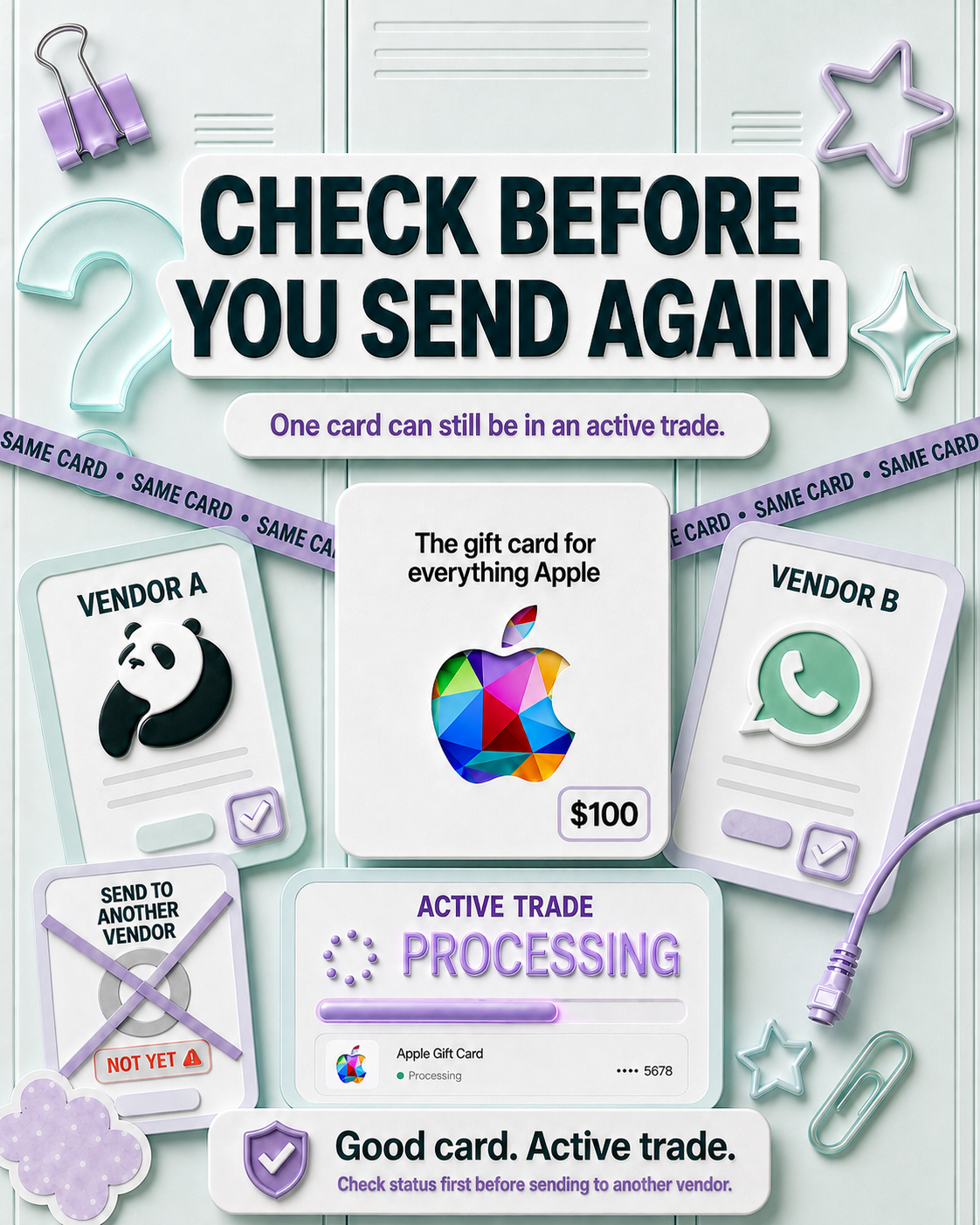
Do Not Duplicate the Same Card
If the first transaction is still processing, do not submit the same gift card again. You should also never send the same card to two vendors at the same time, because ownership and redemption can become impossible to verify once multiple parties are trying to process the same value.
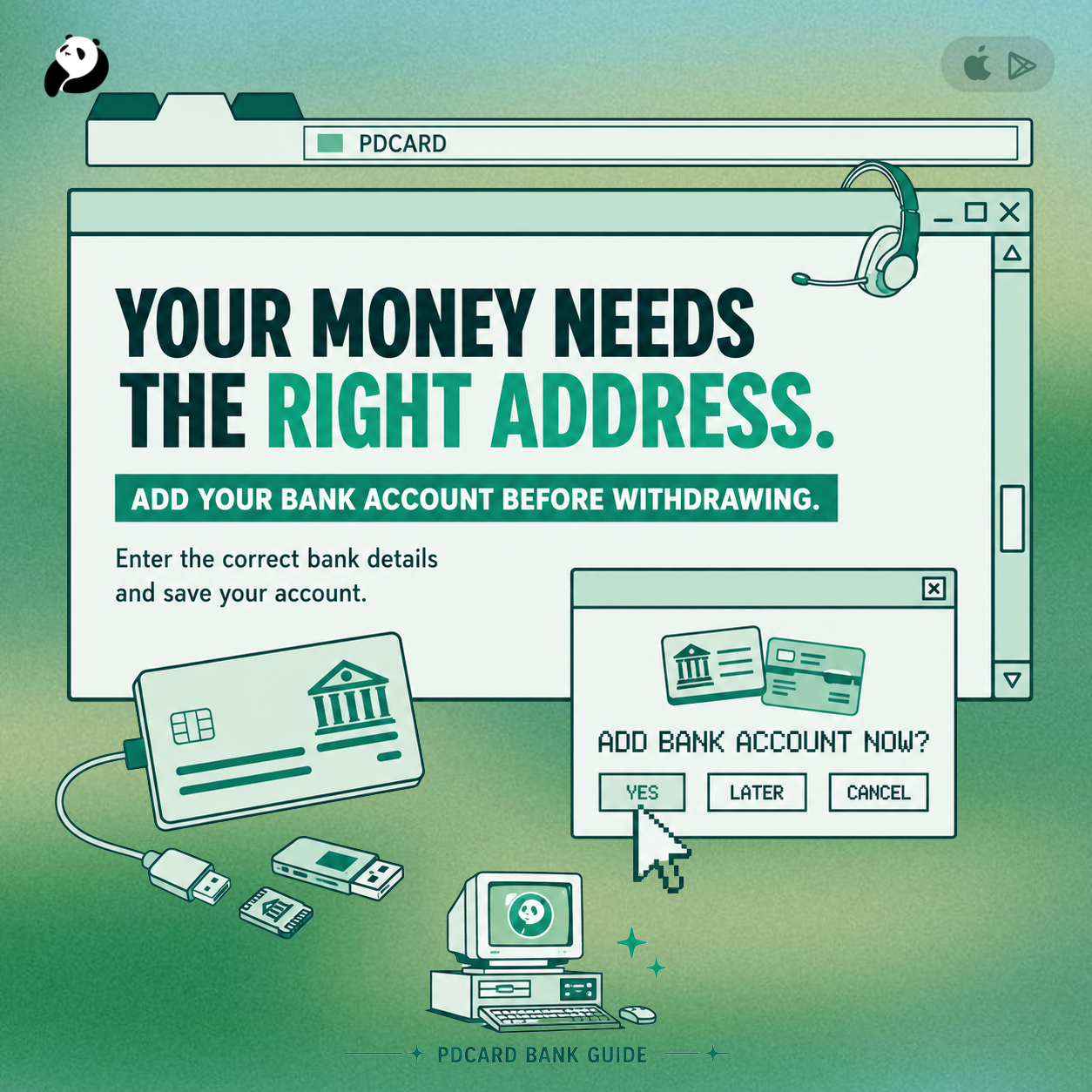
Adding a Bank Account and Withdrawing Money
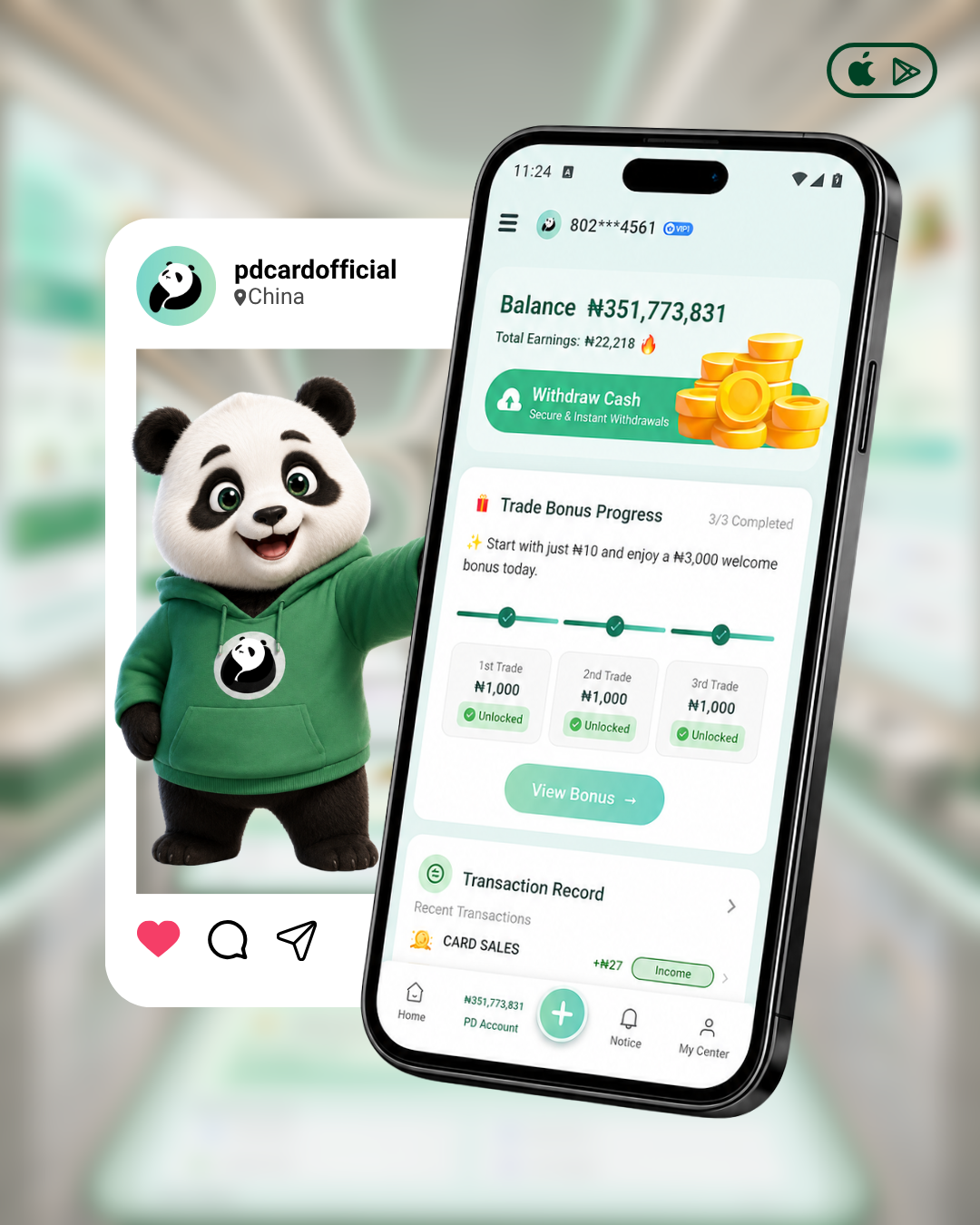
After a successful trade, eligible funds can move through your PDCard balance to withdrawal. Before your first withdrawal, add a bank account with the correct details and check the account information carefully. When the balance is available, you can withdraw money from PDCard through the supported withdrawal process.
If a withdrawal is not where you expect it to be, check the withdrawal status before creating another request. If the transfer option you normally use is missing, confirm the currently available transfer methods instead of assuming the funds have disappeared.
PDCard Rewards and Ways to Earn More
Invite Rewards

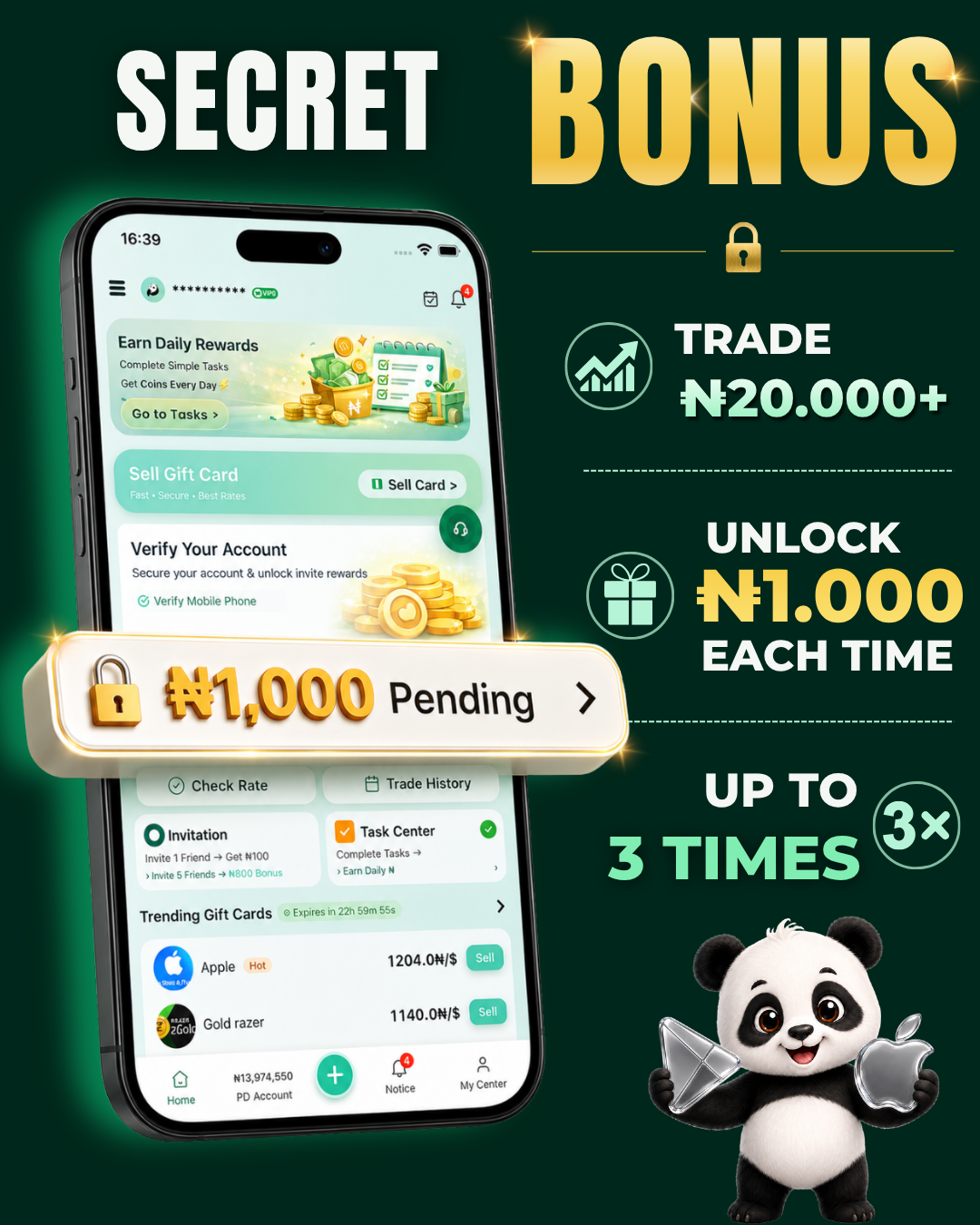
PDCard has an invite system that can reward eligible referral activity when the current conditions are completed. The exact reward and requirements can change, so check how PDCard invite rewards work before assuming an older amount still applies.
Coins
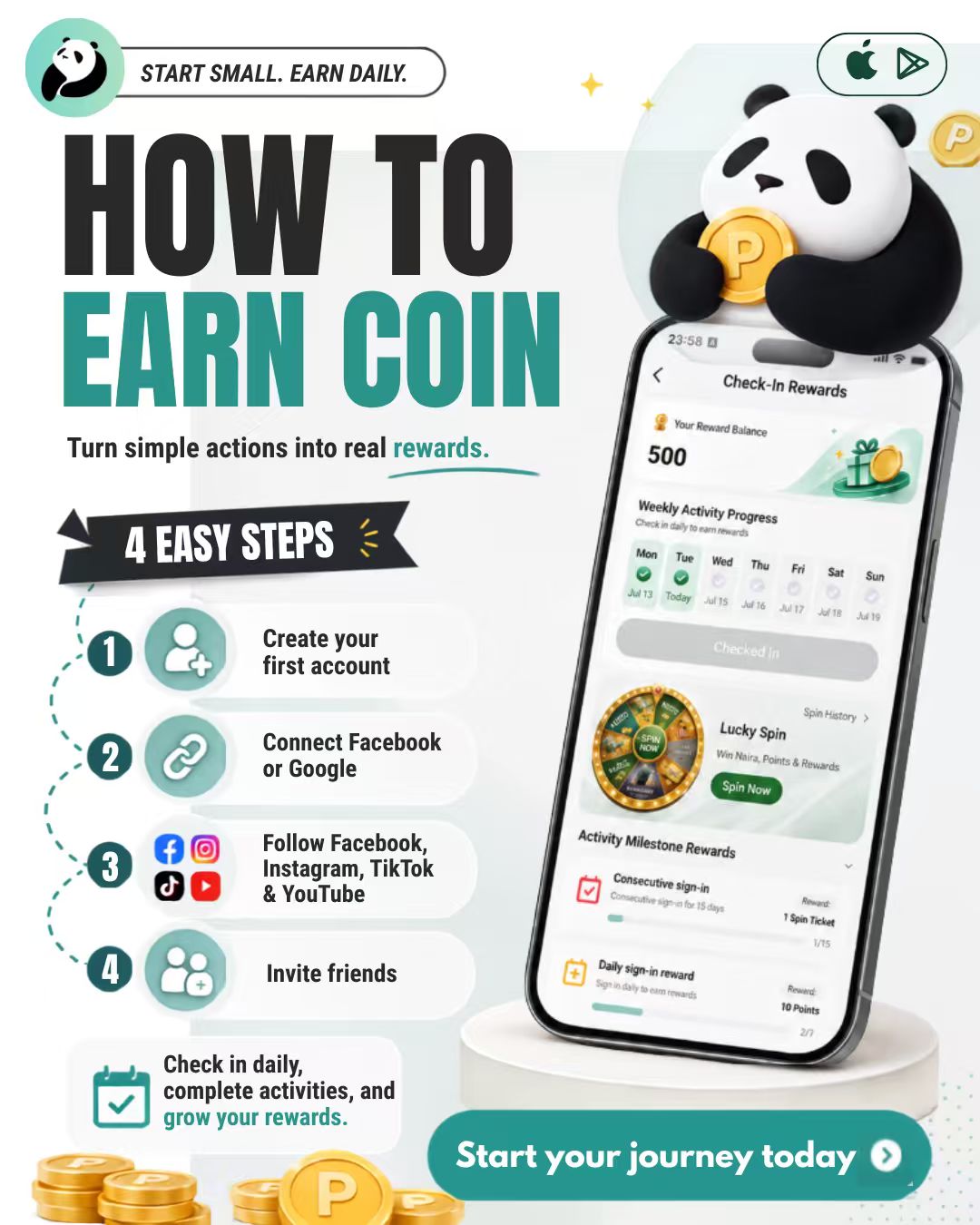
Coins are part of the PDCard reward system and can be converted when the current redemption conditions are met. If you have accumulated coins, check the current process for redeeming coins into Naira rather than treating coins as the same thing as your trading balance.
Task Center
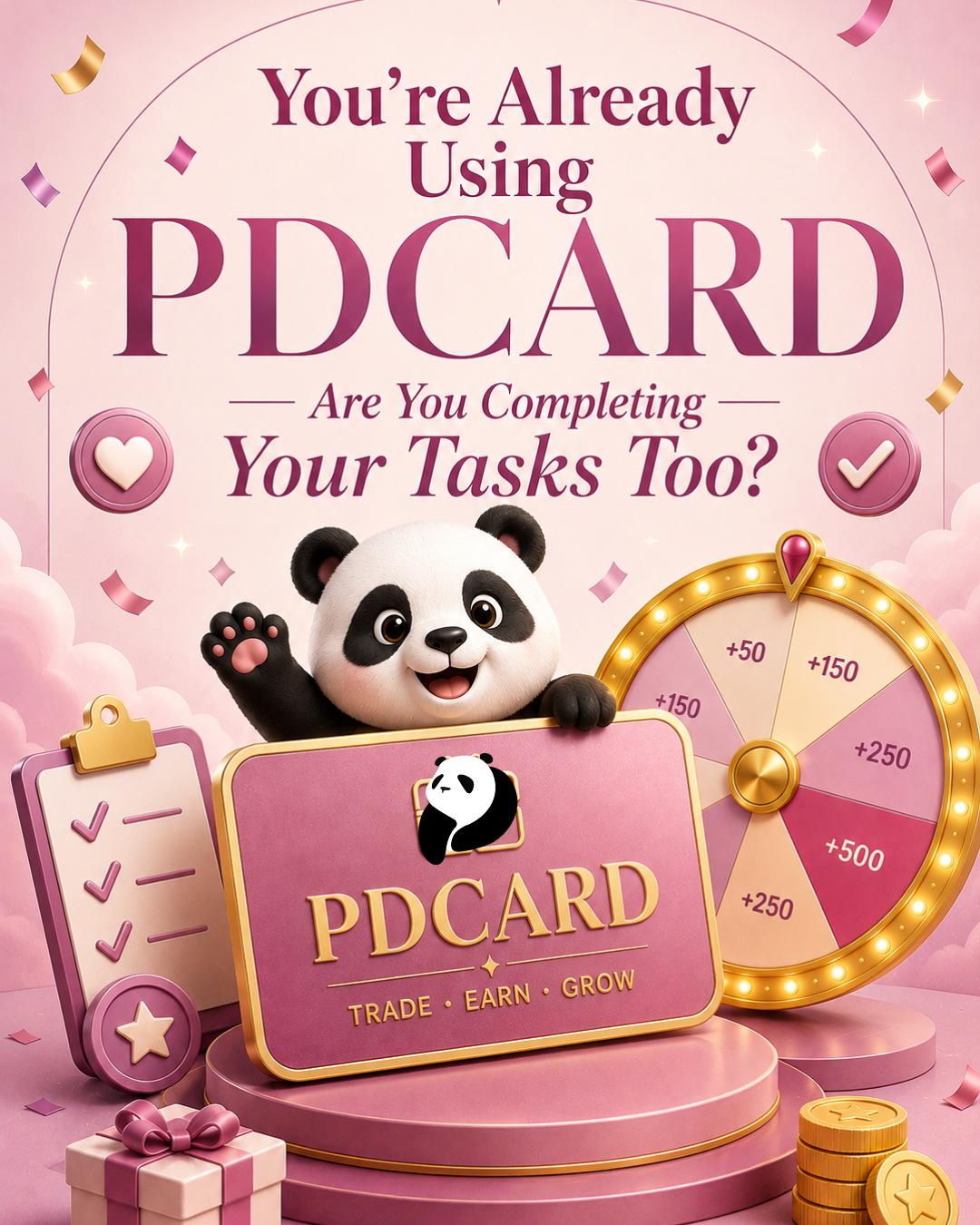
Task Center turns normal activity into progress-based rewards. It includes Daily, Weekly, Monthly and Newcomer tasks, which can cover check-ins, invitations, completed trades, monthly volume milestones and first-time actions. Current examples include a ₦5 daily sign-in task, a ₦10 daily invite task and a 15-day consecutive check-in streak that can unlock a Wheel Lottery Ticket. Because task values can change, the live Task Center should always be the final reference.
VIP Membership

Regular trading activity can also contribute to PDCard VIP progress. The current VIP structure runs from VIP 0 to VIP 6, with different qualification requirements and benefits. If you trade frequently, checking your VIP level can help you see whether your activity is unlocking additional value.
Auto-Earning Balance
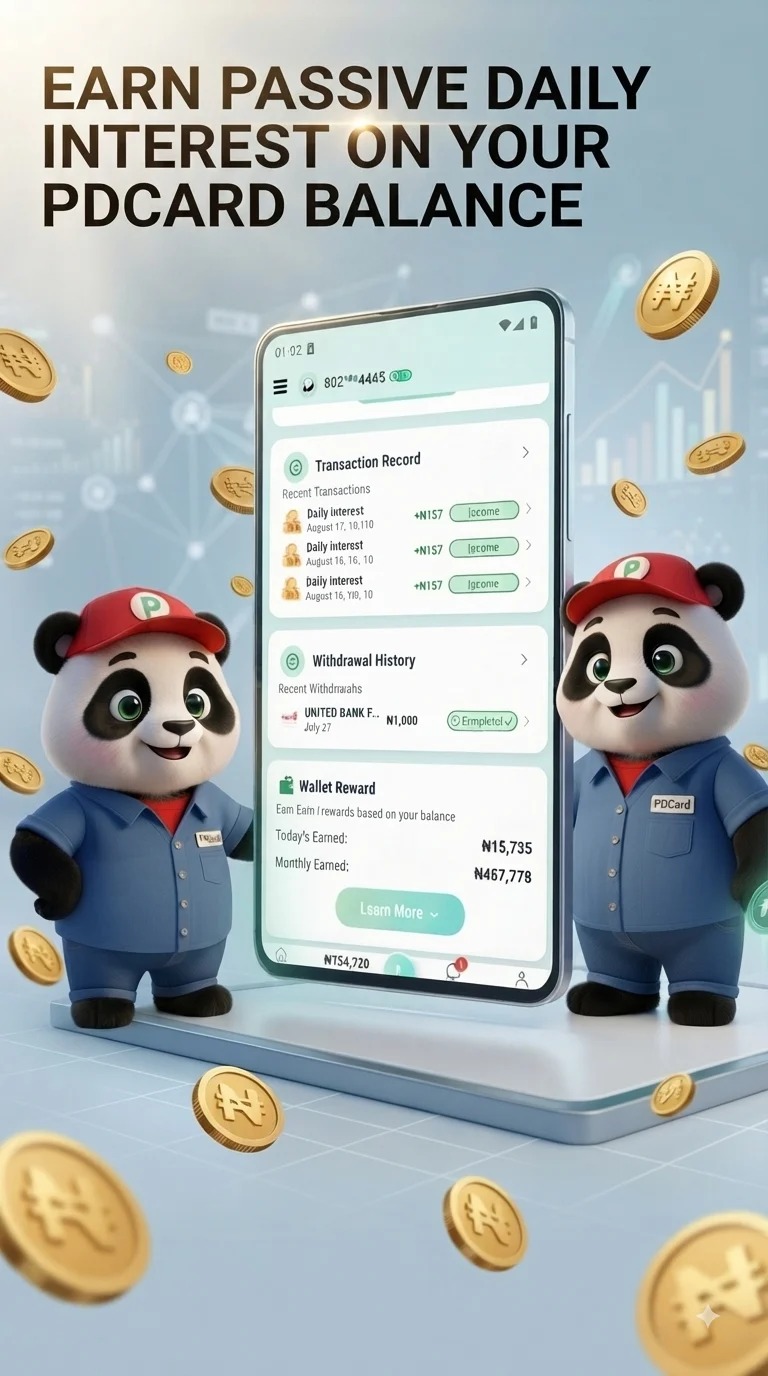
PDCard also has a balance-based earning feature that is separate from the payout on a gift card trade. Before using it, review the current balance conditions, displayed return and eligibility for earning interest in PDCard.
Explore the reward system
Invite eligible users and complete the current referral conditions.
Security and Scam Protection

Keep Gift Card Codes Private
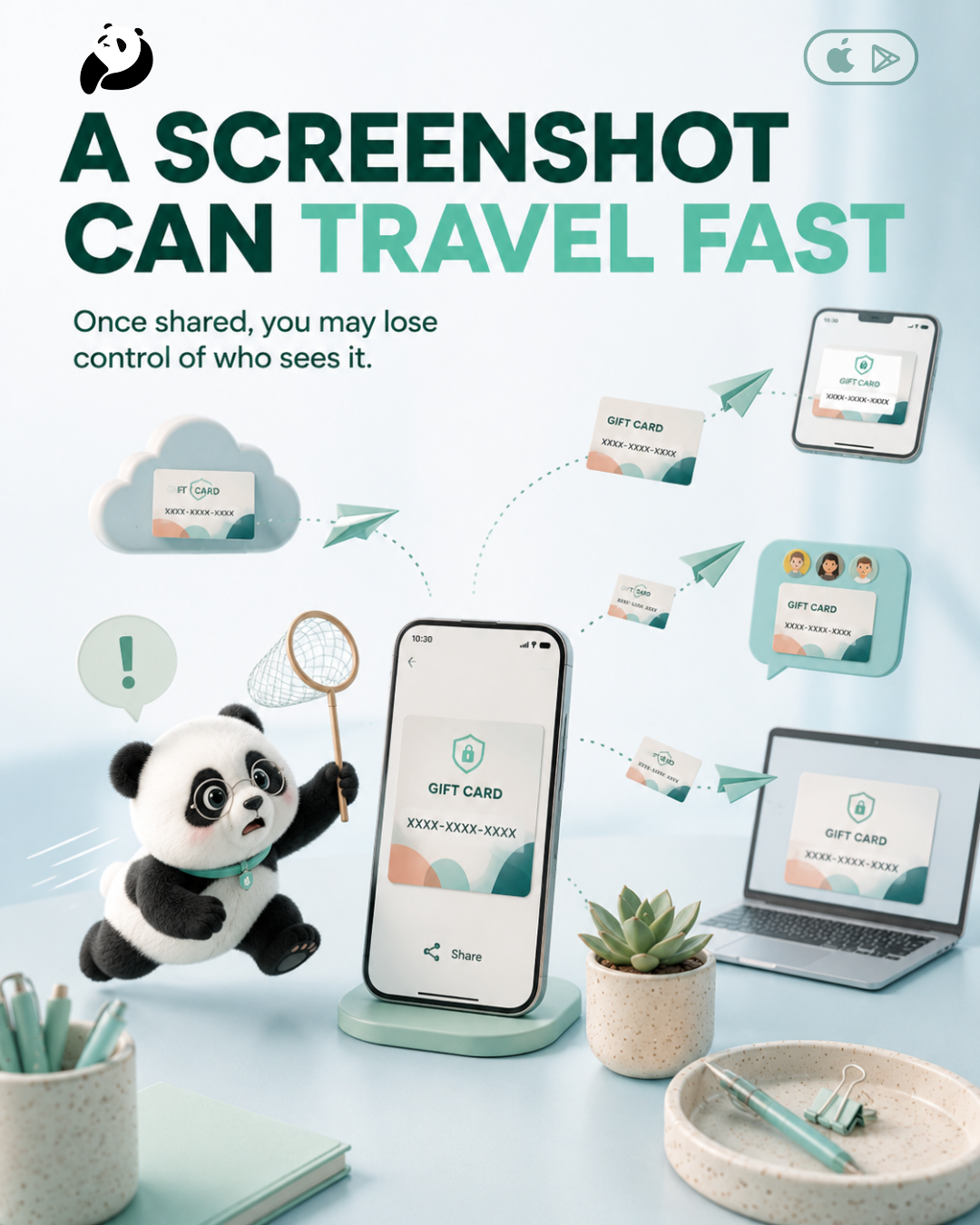
A valid gift card code or PIN is effectively stored value. Keep your gift card private until you use or trade it through the official process. Do not post redeemable codes publicly, send them to strangers for informal verification or share them casually in group chats.
Do Not Trust a Screenshot as Proof of Payment
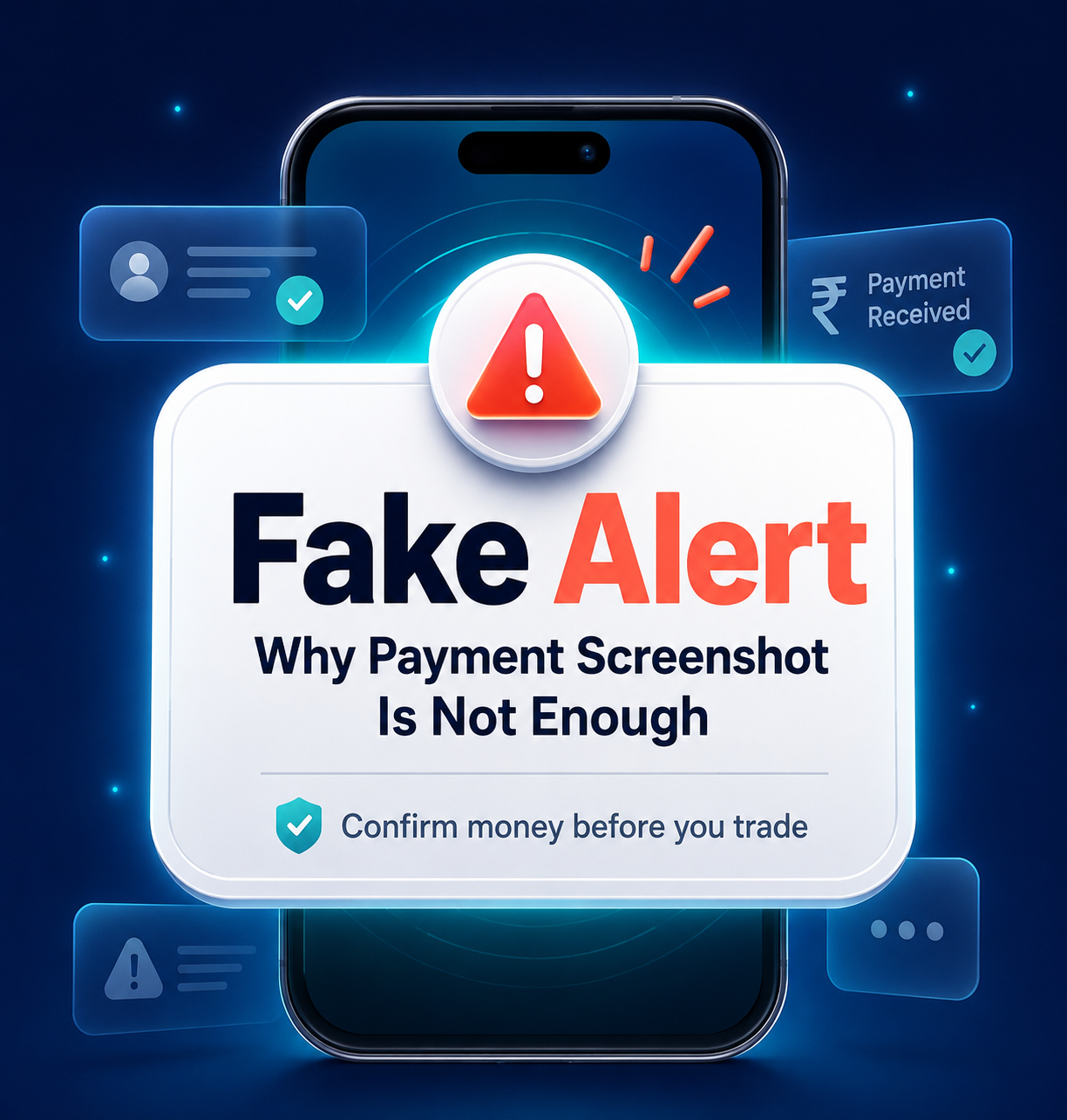
A payment screenshot can be edited, reused or taken from an unrelated transaction. Verify the actual balance, wallet or transaction record instead. Understanding why a payment screenshot is not enough is one of the simplest ways to avoid common gift card trading scams in Nigeria.
Quick safety game
Troubleshooting and PDCard Support
App Error or Gift Card Error?
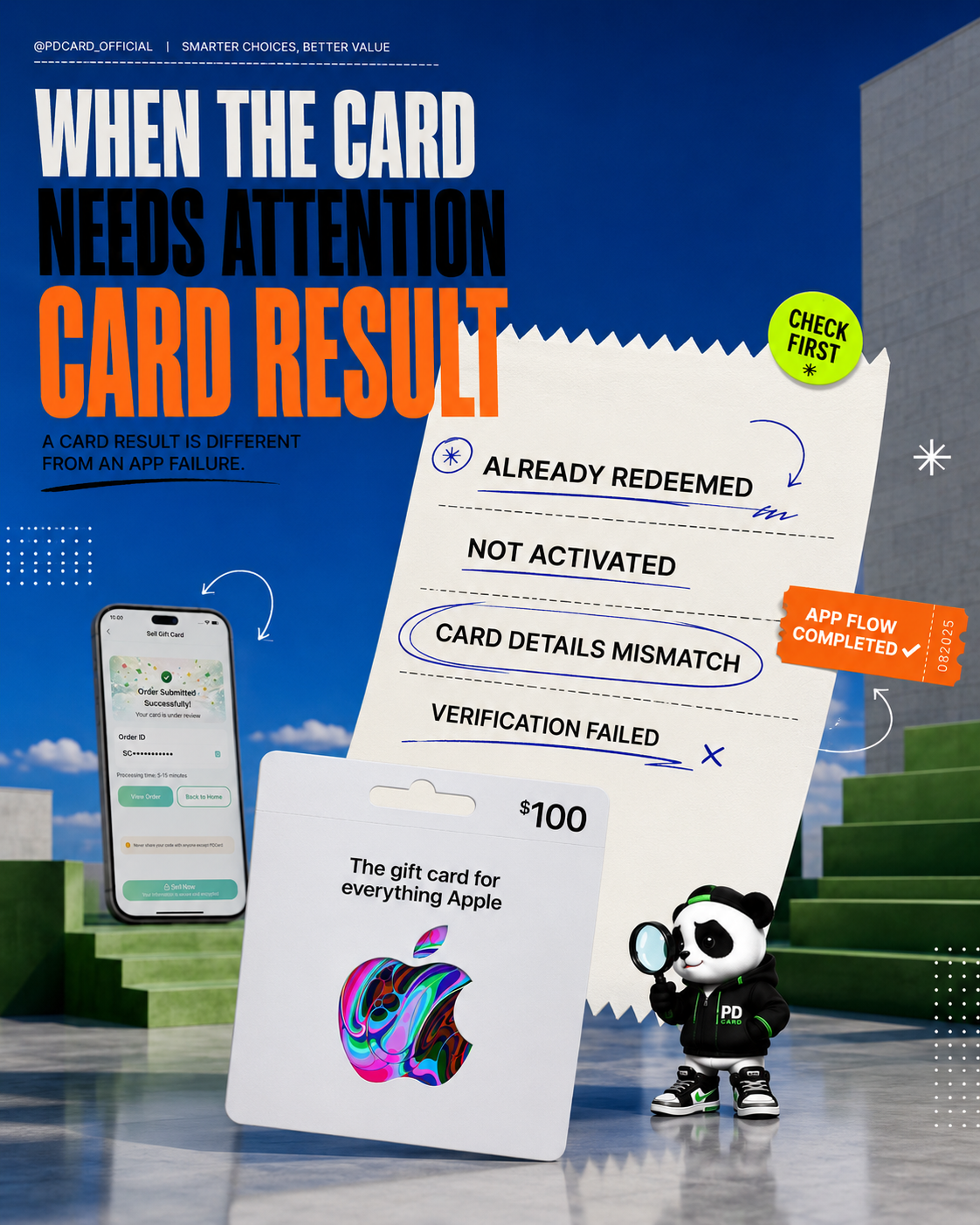
When something goes wrong, first identify where the problem is coming from. A loading screen, network issue or missing interface element is different from an invalid code, inactive card, zero balance or unsupported gift card. Separating an app error from a gift card error helps you choose the right next step instead of repeatedly resubmitting the same card.
Unusual Card Statuses
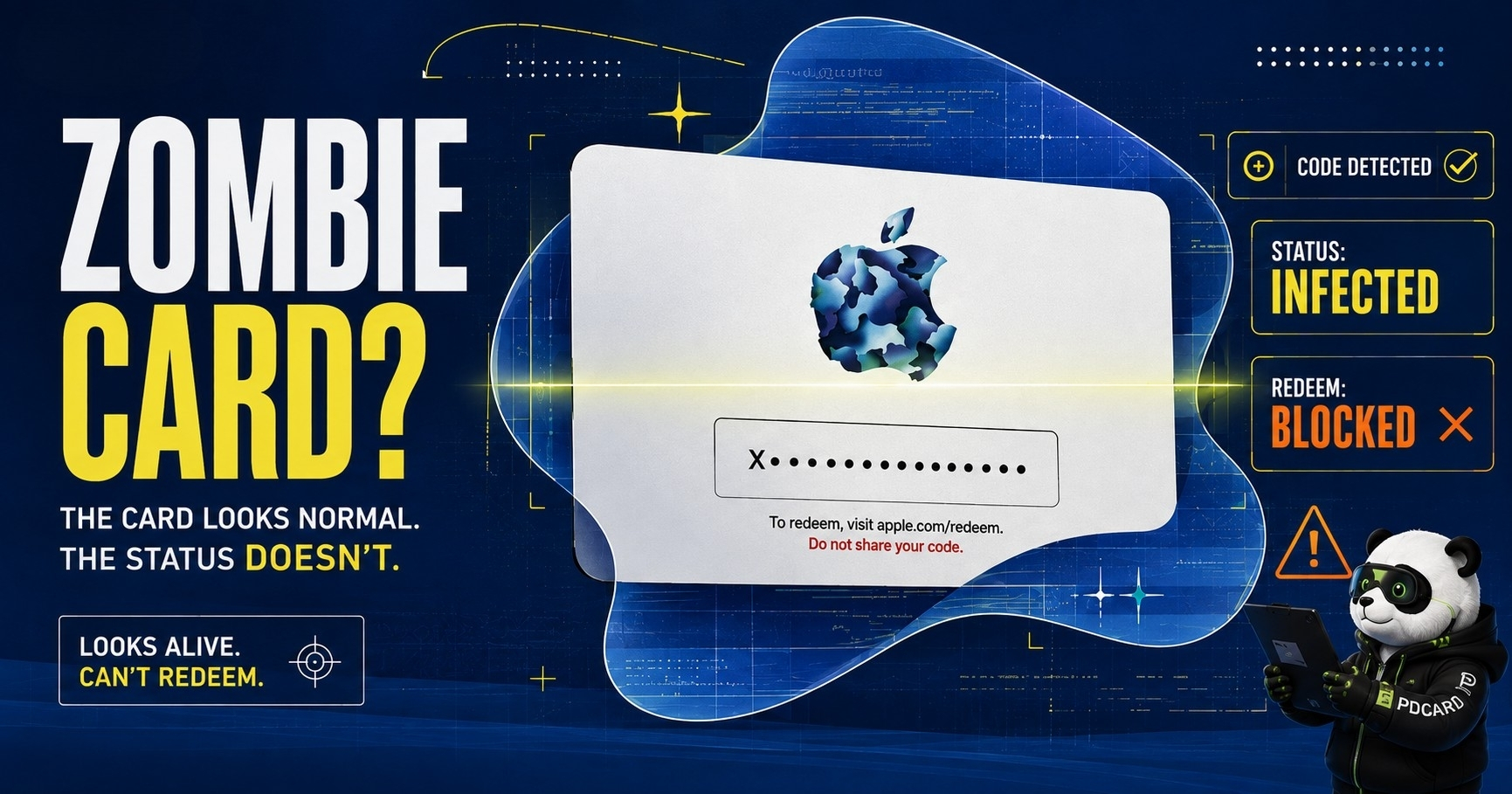
Some trading terms can sound more alarming than they are. If a card is described as infected or as a zombie gift card, check what that status actually means before assuming the card is automatically useless.
Contact Support With Useful Information
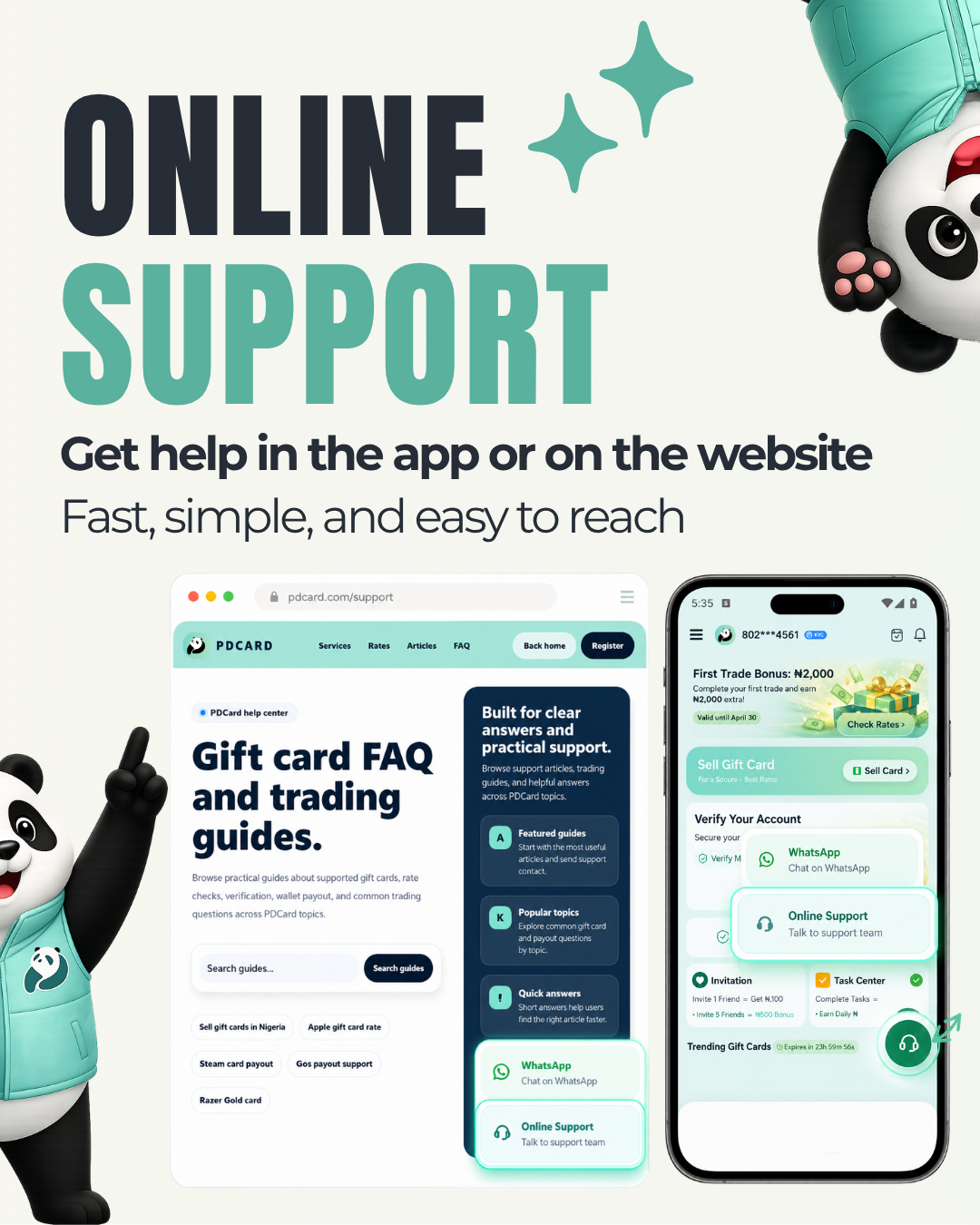
If you still need help, collect the transaction details, card category, current status and a clear description of the problem before contacting PDCard online support. Support can work faster when the issue is tied to a specific transaction instead of a vague message such as 'my card is not working.'
Smarter Habits for Regular Gift Card Traders
Most avoidable trading problems come from rushing. Before every trade, identify the card, confirm the country and category, check the current rate, make sure the code or image is readable, submit the card once, follow the transaction and protect the card until the process is complete. These are the same habits behind the common PDCard trading mistakes and the different types of gift card traders you see in the market.
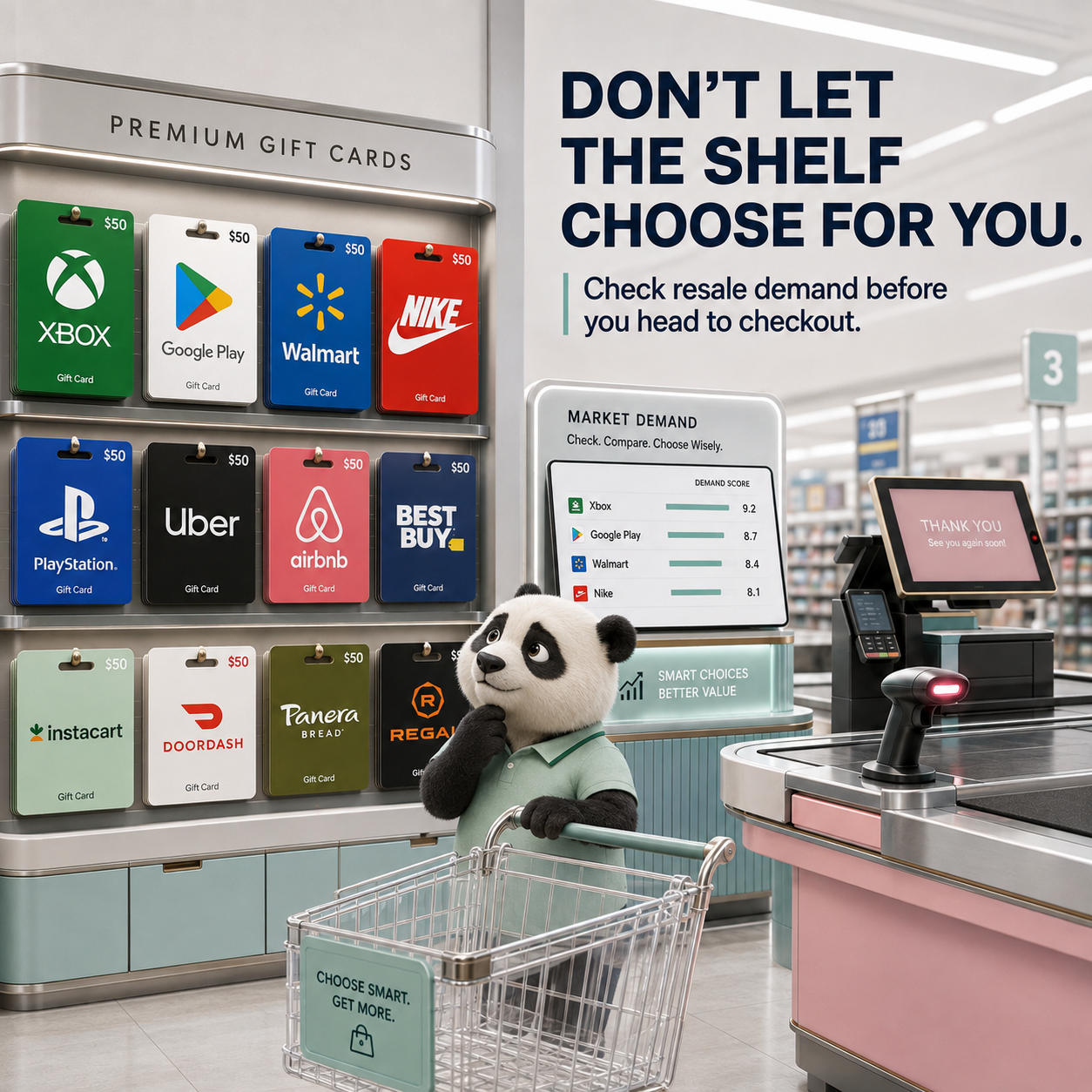
If you buy gift cards specifically for resale, check the brand, region, denomination, format and current demand before spending money. A legitimate card can still be a poor resale choice if the category is difficult to trade. Use trusted websites when buying gaming gift cards, be careful when choosing cards at a supermarket for resale, and remember that a partially used card with only a small balance may or may not be accepted depending on the current rules.
Your PDCard journey starts here.
Keep this guide as your shortcut whenever you need to check a trading step, review a feature or find the right support path.